PC and Android
SwiftDrop on both. Connect once and files go straight across, either way, checked block by block.
Photos, videos and files go straight between your PC and your phones over your own Wi-Fi. No cloud, no cable, no account.
Free. iPhone needs no app: it scans the code SwiftDrop shows.
Starting…
SwiftDrop on both. Connect once and files go straight across, either way, checked block by block.
Point the camera at the code on your PC or Android. Safari opens SwiftDrop and you're sending.
Send from the PC or Android to the iPhone too. It saves straight to Photos or Files.
SwiftDrop on your PC or Android shows a code. Your iPhone's camera opens it in Safari, you tap Allow once, and you're sending. Nothing to install on the iPhone.
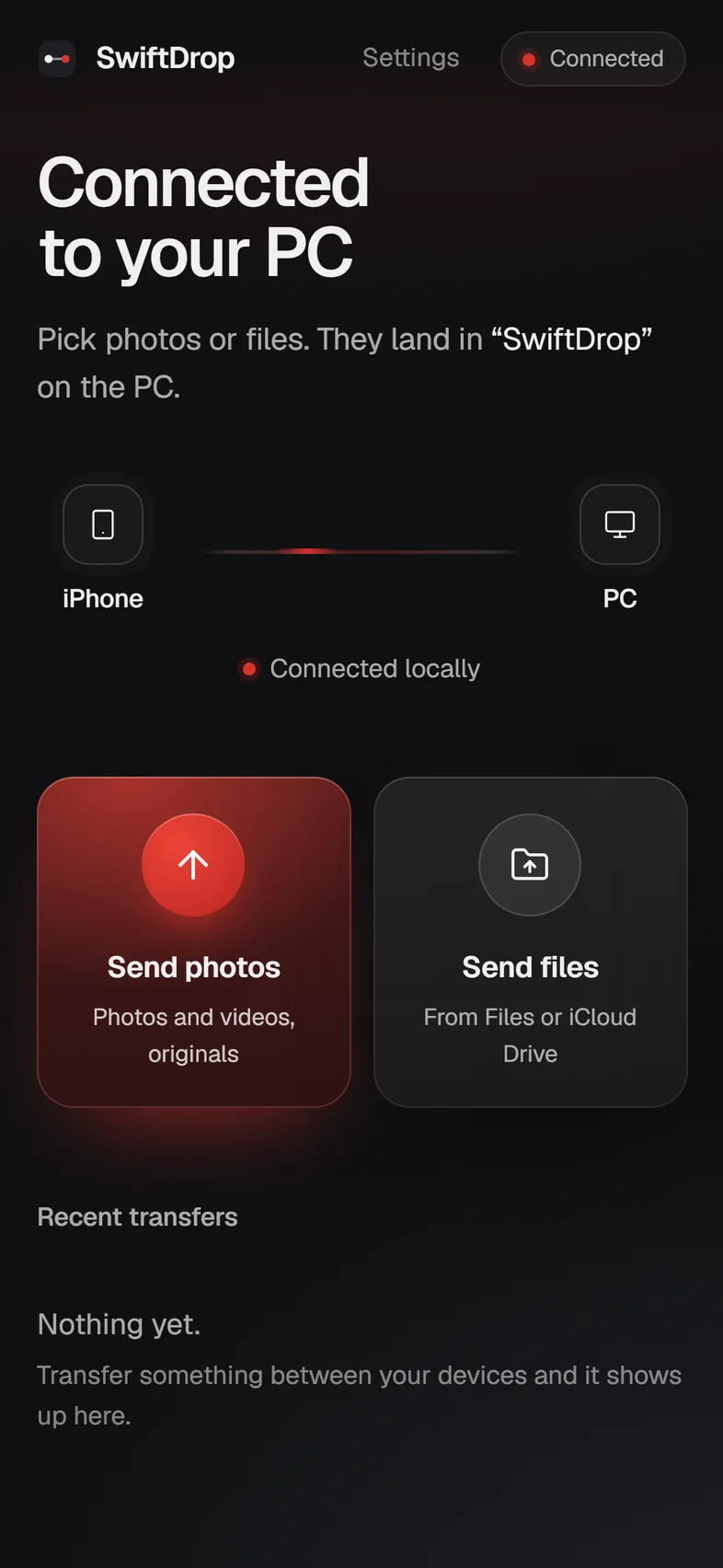
ScanThe camera opens SwiftDrop. Tap Allow on the other device.
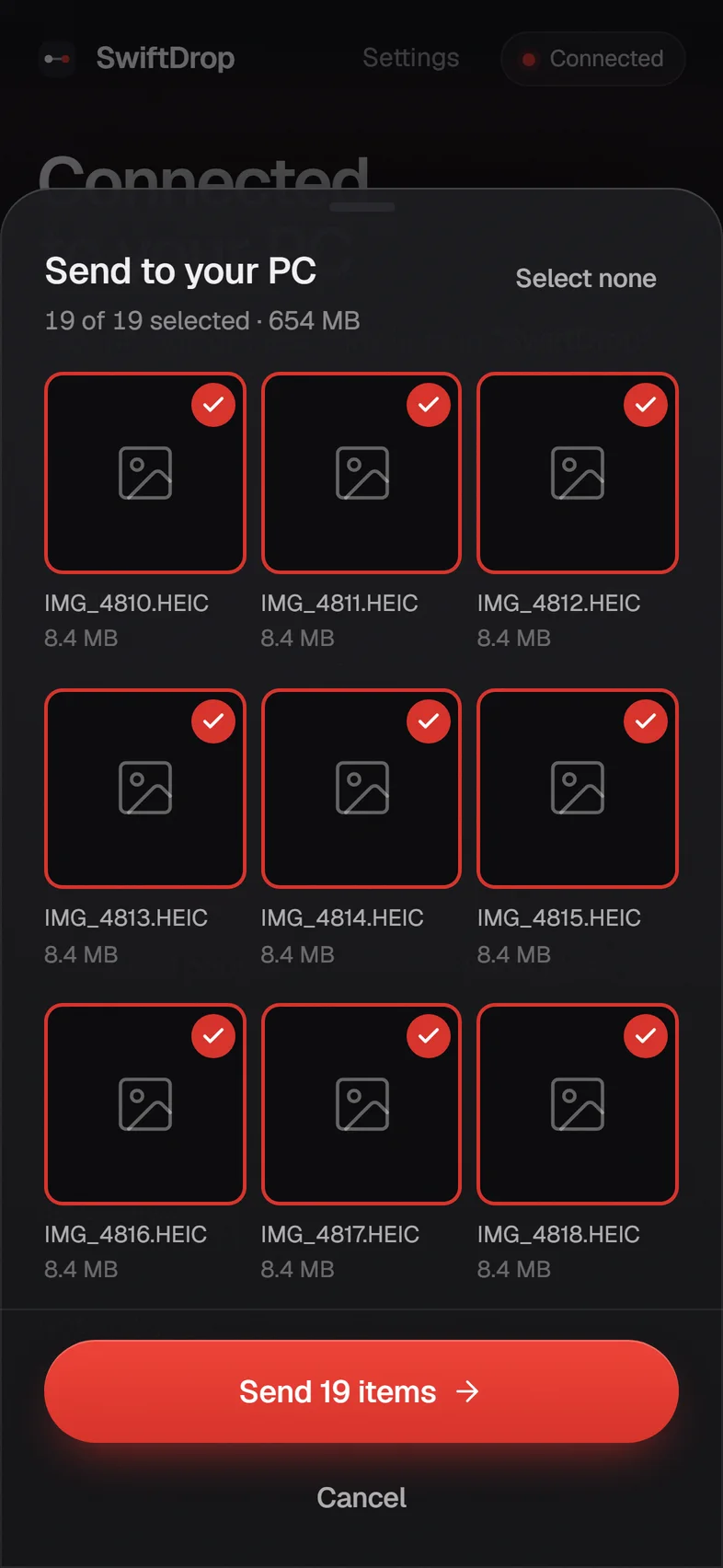
PickChoose photos and videos. Review, then send.
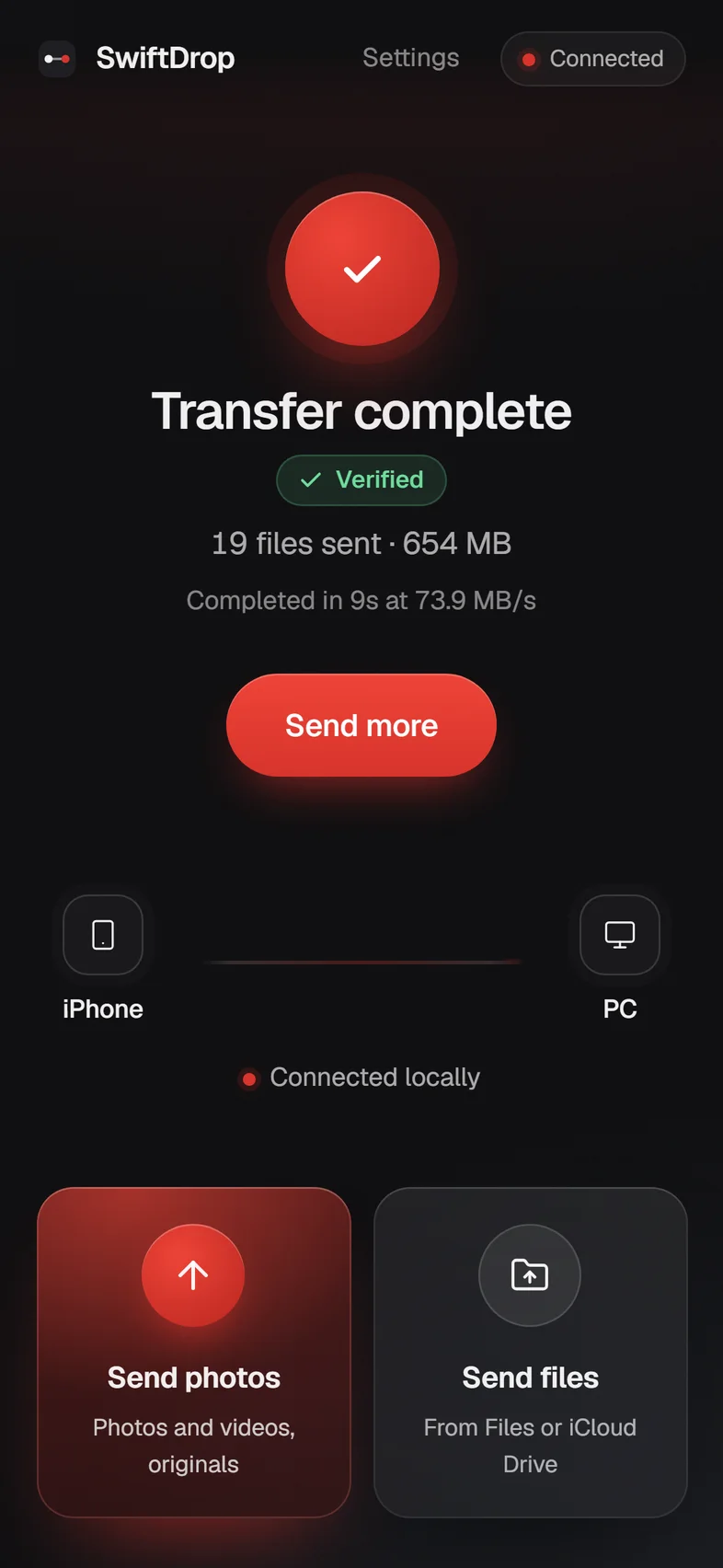
DoneEvery file verified against the original.
After a drop it sends only what's missing, never the whole thing again.
Each block is hashed on the way out and matched on arrival. A bad block is simply sent again.
VerifiedFiles go device to device on your own network, even with no internet at all. There is no SwiftDrop cloud.
HEIC stays HEIC, HEVC stays HEVC. SwiftDrop moves bytes; it never re-encodes your photos.
The same app in your pocket. It connects to your PC on the same Wi-Fi or hotspot, sends and receives both ways, and shows its own code so an iPhone can join it with no PC at all.
Get it for AndroidNo. SwiftDrop on your PC or Android shows a code; your iPhone scans it and runs SwiftDrop in Safari.
Install SwiftDrop on both, on the same Wi-Fi or hotspot. Scan one's code with the other, or type its address. They talk to each other directly.
No. Both devices only need the same Wi-Fi. With no Wi-Fi around, turn on a phone's hotspot and join it from the other device.
iOS copies what you pick out of the Photos library before handing it to Safari, and downloads it first if it lives in iCloud. If the picker converts videos, tap Options at the top of the picker and choose Current to keep originals and skip the conversion.
Yes. Allow SwiftDrop on private networks so your phone can reach your PC.
Not in practice with a PC: big videos go straight to disk. Keep SwiftDrop on screen while it sends, since phones pause web pages in the background.